
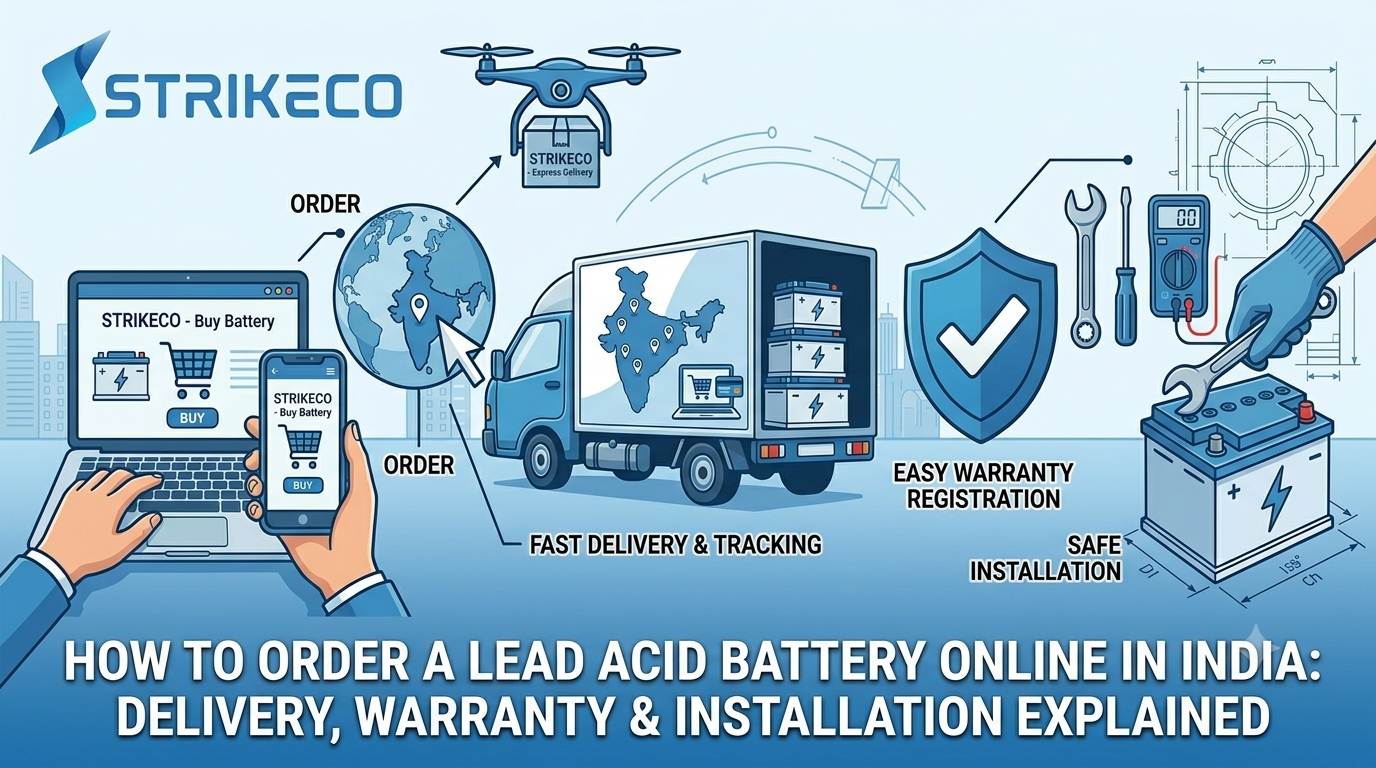
How to Order a Lead Acid Battery Online in India: Delivery, Warranty & Installation Explained
Short answer: To order a lead acid battery online in India, confirm the right specifications for your application first, place the order through a verified manufacturer or authorized battery shop online, check the battery’s condition and documentation carefully on delivery, follow proper safety steps during installation, and register your warranty immediately using the battery’s serial number. The process is straightforward, but skipping any one of these steps is where most avoidable problems come from.
If you already know you need a lead acid battery and you’re ready to place an order, this walks through exactly what happens from checkout to a properly installed, warranty-registered battery — including the parts most first-time online buyers don’t expect.
Step 1: Confirm What You Actually Need Before Ordering
Before placing an order, confirm the exact Ah (ampere-hour) capacity and voltage your inverter, UPS, or solar system requires — this information is usually printed on your existing setup or available in its manual. Ordering based on price alone, without this confirmed first, is the most common mistake at this stage. If you haven’t gone through this yet, our full buyer’s guide covers exactly what to check before you order.
Step 2: Place the Order Through a Verified Seller
Once you know your specifications, order directly through a manufacturer’s own listings or a clearly authorized battery shop online — this is what makes warranty support and delivery accountability actually work later. At checkout, double-check that the listed Ah rating, battery type, and warranty period match what you confirmed in Step 1 before completing payment.
Step 3: What to Expect at Delivery
Lead acid batteries are heavy and shipped differently from most online purchases — here’s what a proper delivery should look like:
- Secure, upright packaging. Batteries should arrive upright and well-secured, not loose in oversized packaging that allows shifting during transit.
- No visible damage or leakage. Check the casing and terminals for cracks, leaks, or corrosion before accepting the delivery as complete.
- Correct model and specifications on the physical unit. Confirm the Ah rating and model printed on the battery itself matches what you ordered — this is your first real check against a mismatched shipment.
- Included documentation. A proper order should arrive with an invoice and warranty documentation (physical card or instructions for digital registration) — if these are missing, contact the seller before installing the battery.
Step 4: Installing the Battery Safely
Installation steps vary somewhat by application, but a few things apply broadly:
- Turn off and disconnect power to your inverter, UPS, or solar system before connecting a new battery.
- Match polarity carefully — connecting terminals incorrectly can damage both the battery and connected equipment.
- Ensure proper ventilation during installation and ongoing use, particularly for flooded lead acid types.
- Use a compatible charger matched to your battery’s specifications — if you’re setting up a new system rather than replacing an existing battery, confirm you have a compatible charger before powering on.
- Call a technician for larger industrial or solar installations rather than attempting a DIY install — the cost of professional installation is small compared to the cost of a damaged battery or unsafe setup.
Step 5: Register Your Warranty Immediately
This step gets skipped more often than any other, and it’s the one that matters most if something goes wrong later. As soon as installation is complete:
- Locate the battery’s serial number (usually printed on the casing)
- Complete warranty registration — either by returning a physical card or completing an online registration, depending on the seller’s process
- Store your invoice, warranty documentation, and serial number together somewhere you can find them later, not just in an email you might lose track of
A battery with an unregistered or undocumented warranty can be far harder to get support for later, even if the warranty period is technically still valid.
Common Ordering Mistakes to Avoid
- Ordering before confirming exact specifications, leading to a capacity mismatch discovered only after installation
- Skipping the delivery inspection, accepting a shipment without checking for damage or verifying the correct model
- Losing track of warranty documentation immediately after installation, when it’s still easy to file away properly
- DIY installation on larger systems without the electrical knowledge to do it safely
- Assuming any charger will work with any battery, without confirming compatibility first
Ordering a lead acid battery online in India is a straightforward process once you know what to check at each stage — confirm your specifications before ordering, buy from a verified seller, inspect the delivery carefully, follow proper installation safety steps, and register your warranty right away. Each step takes only a few minutes, and skipping any of them is where most avoidable problems start.
Frequently Asked Questions
How long does delivery typically take when ordering a lead acid battery online in India? Delivery timelines vary by seller, location, and battery type, so it’s worth confirming directly with the seller at checkout — heavier industrial batteries may have longer or more specialized shipping timelines than standard inverter batteries.
Do I need a technician to install a lead acid battery, or can I do it myself?
For standard inverter or UPS battery replacements, careful DIY installation following proper safety steps is often manageable. For larger industrial, solar, or complex systems, professional installation is strongly recommended to avoid damage or safety issues.
What should I do if my battery arrives damaged?
Do not install a battery that shows visible damage, leakage, or a specification mismatch — contact the seller immediately with your order details and photos of the issue before attempting installation.
Is warranty registration required, or is it automatic after purchase?
This depends on the seller — some warranties are automatically tied to your purchase record, while others require you to actively register the battery’s serial number after installation. Confirm which applies to your order and complete registration promptly either way.
Can I use any charger with a newly ordered lead acid battery?
No — chargers need to be matched to your battery’s voltage and capacity specifications. Using an incompatible charger can damage the battery or reduce its lifespan, so confirm compatibility before powering on a new setup.
